

Simulate fund memberships in sandbox
When you're building against a sandboxed onboarding session, you often want to test onboarding flows for an employee who has existing fund memberships data. For example, to test how your UI handles an employee who is already a member of a fund, or to see how different member verification confidence levels behave. However, in sandbox mode, requests to external integrations such as the ATO stapling API, and direct super fund integrations are disabled.
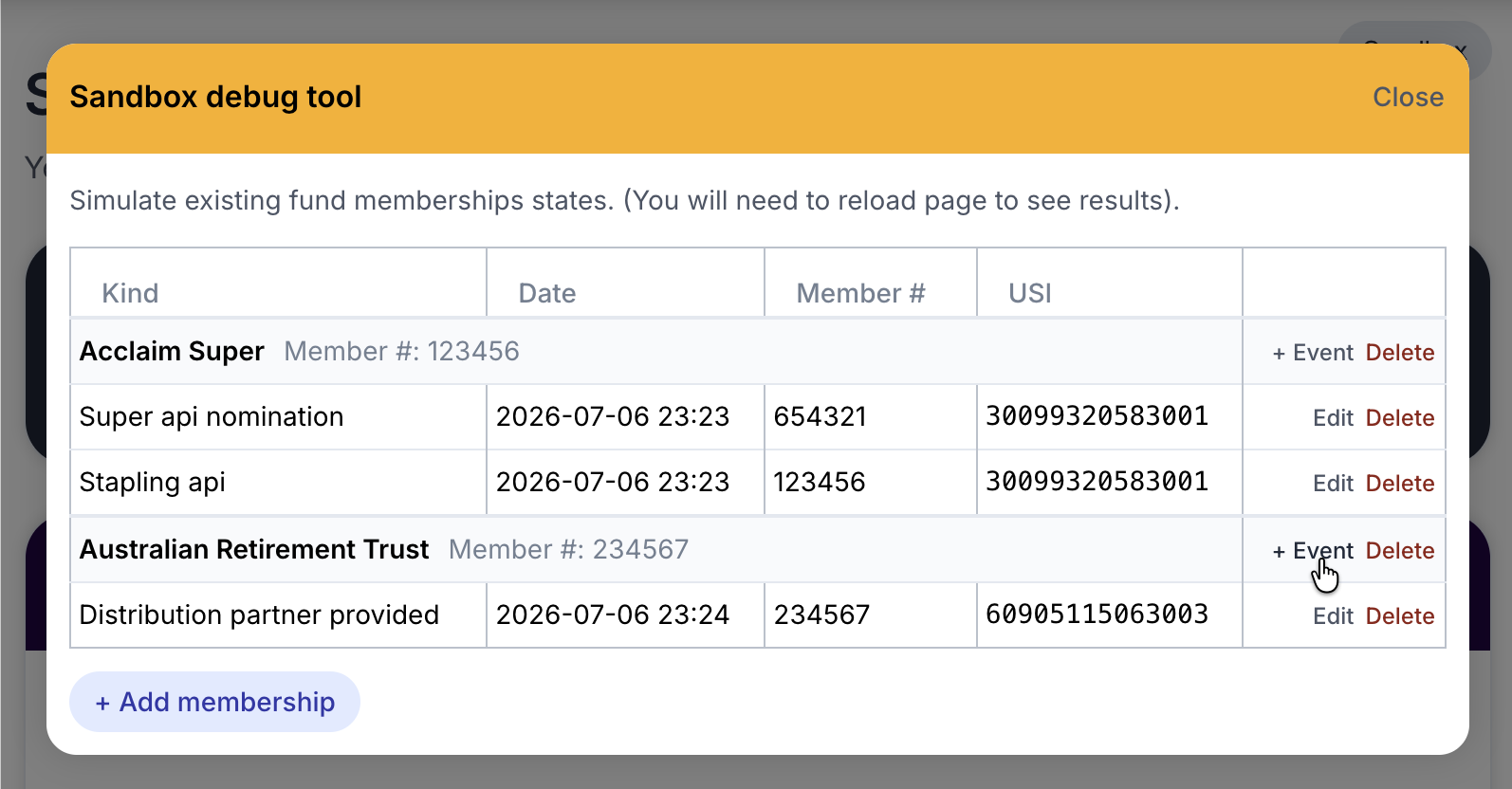
Since a real membership can't be produced in sandbox, every sandboxed onboarding session embed includes a debug tool that lets you manually set up fund memberships and their history directly from the browser.
INFO
This tool only appears for sandboxed onboarding sessions. It has no effect on production data, and does not appear at all outside of sandbox mode.
Opening the tool
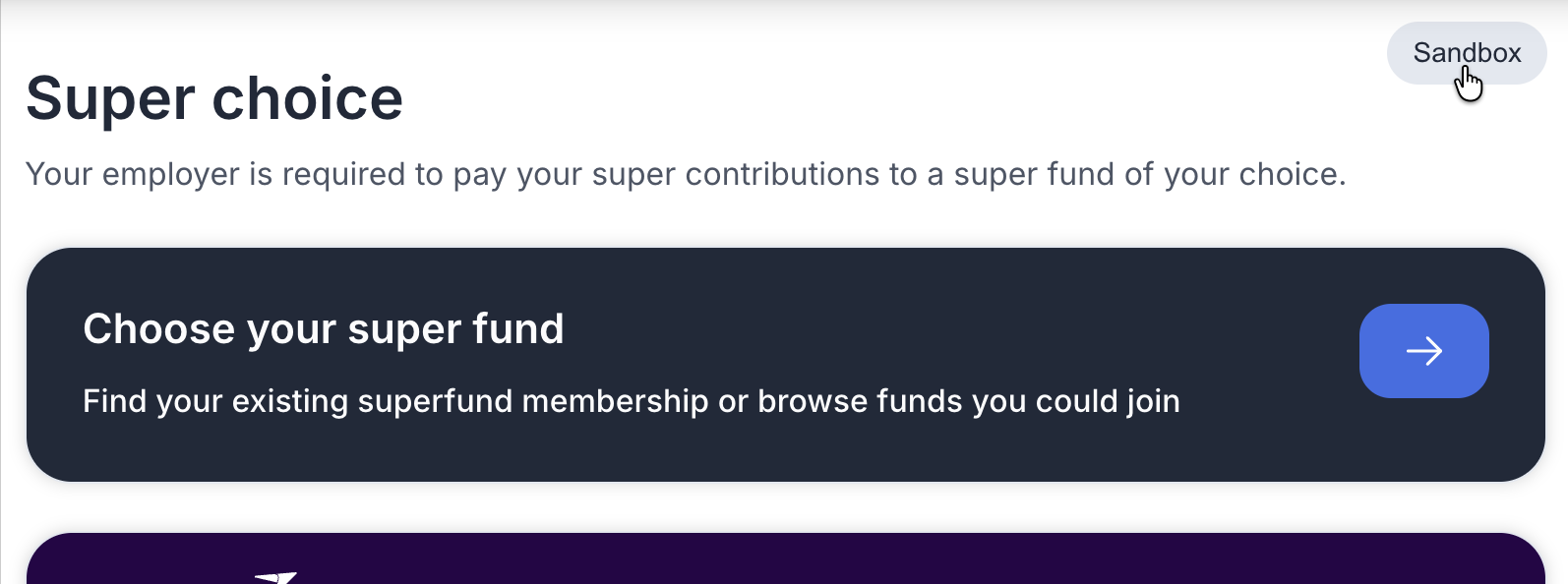
When you open a sandboxed onboarding session embed, you'll see a Sandbox badge floating over the page. Click it to open the sandbox debug tool in a dialog.
The dialog lists every APRA fund membership currently recorded for the employee, along with the history of events that produced them.
Adding a membership
Click + Add membership to record a new fund membership for the employee. Choose a fund from the dropdown (this list is limited to well-known, currently active brands) and optionally supply a member number. If no well-known brands are configured, the button won't appear.
Adding events to a membership
Membership events are the individual signals (stapling, MRR responses, partner-provided data, and so on) that build up SuperAPI's confidence in a membership. Click + Event on a membership row to add one, choosing an event kind and an optional member number. The event is recorded with the current date and time.
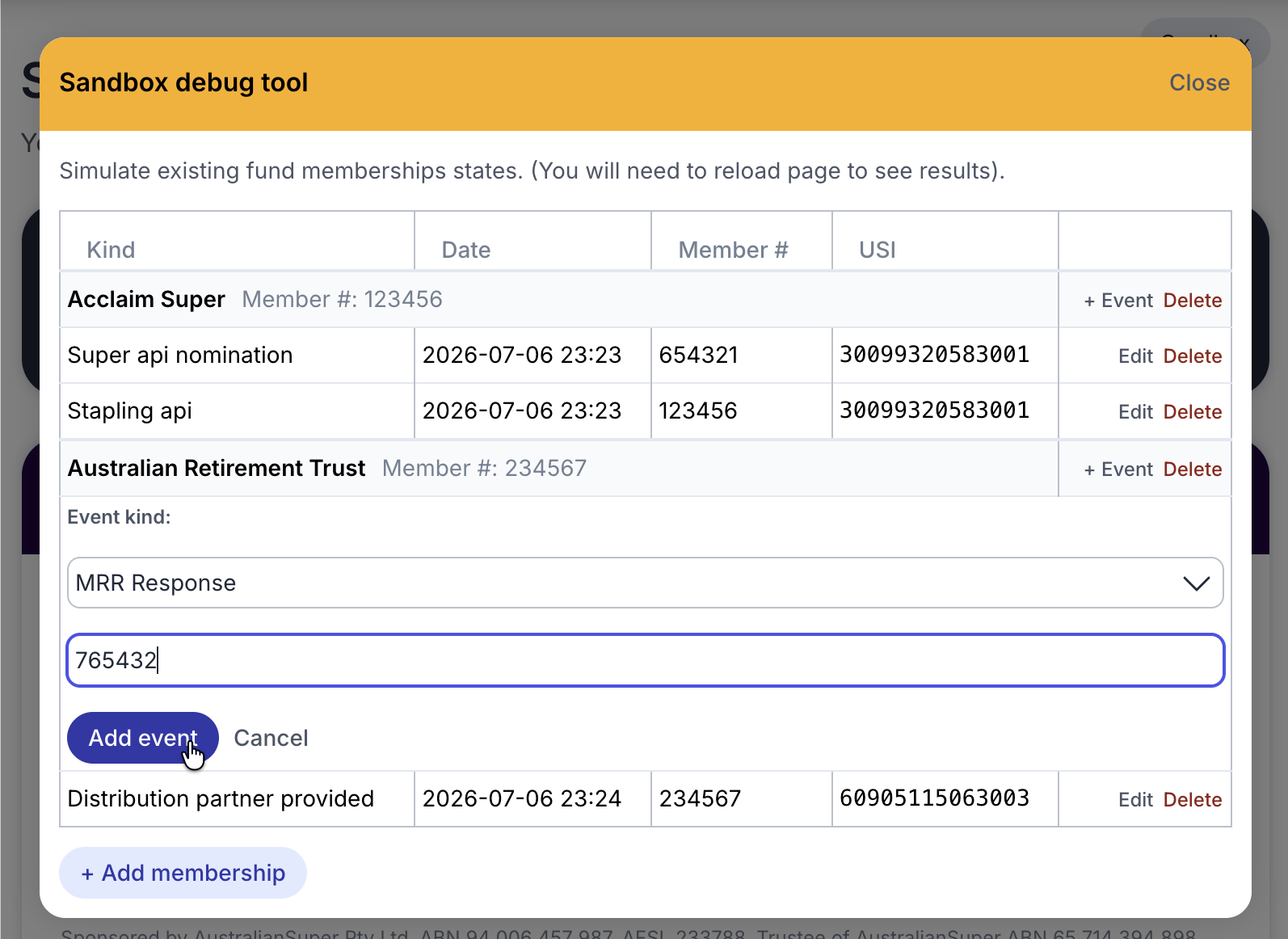
The available event kinds are:
| Event kind | Represents |
|---|---|
| Stapling API | The membership was returned by the ATO stapling API. |
| Distribution Partner Provided | You supplied the membership as part of your integration. |
| Super Fund Member Lookup | A fund member lookup confirmed the membership. |
| Super Fund API | A direct fund API integration confirmed the membership. |
| Member Provided | The employee entered the membership themselves. |
| MRR Request | A Member Registration Request was sent to the fund and is pending. |
| MRR Response | The fund responded to a Member Registration Request. |
| Super API Nomination | The employee nominated this fund manually themselves during a SuperAPI onboarding session. |
These map to the confidence sources described in understanding member verification, so you can use them to test how your integration behaves at different confidence levels.
WARNING
The tool cannot produce a verified or rejected member_verification confidence, since those only come from an actual Member Verification Request response and aren't exposed as event kinds here. Use it to test the high, medium, and low tiers.
Editing and deleting
Existing events can have their kind changed via Edit, or be removed entirely via Delete. Deleting a membership removes it and all of its events.
Seeing your changes
After adding, editing, or deleting a membership or event, reload the onboarding embed page to see the change reflected in the UI.
Need to modify different sandbox data?
We'd love to hear if you need something else this tool currently doesn't provide (e.g. able to override different fields; set data up differently etc). This is a new tool that has been created based on partner feedback, and is something that will be iterated on as needs arise.
Getting help
Stuck with something and need help? Please contact us at support@superapi.com.au or by phone on 0405 472 748 (Sam). Have you setup a shared Slack or Teams channel with us? If not, please reach out so we can provide realtime support.