

Fair Work statements
Meet your Fair Work Ombudsman obligations automatically. Employees are presented with the relevant statements during onboarding and must acknowledge them before continuing, giving employers a timestamped compliance record.
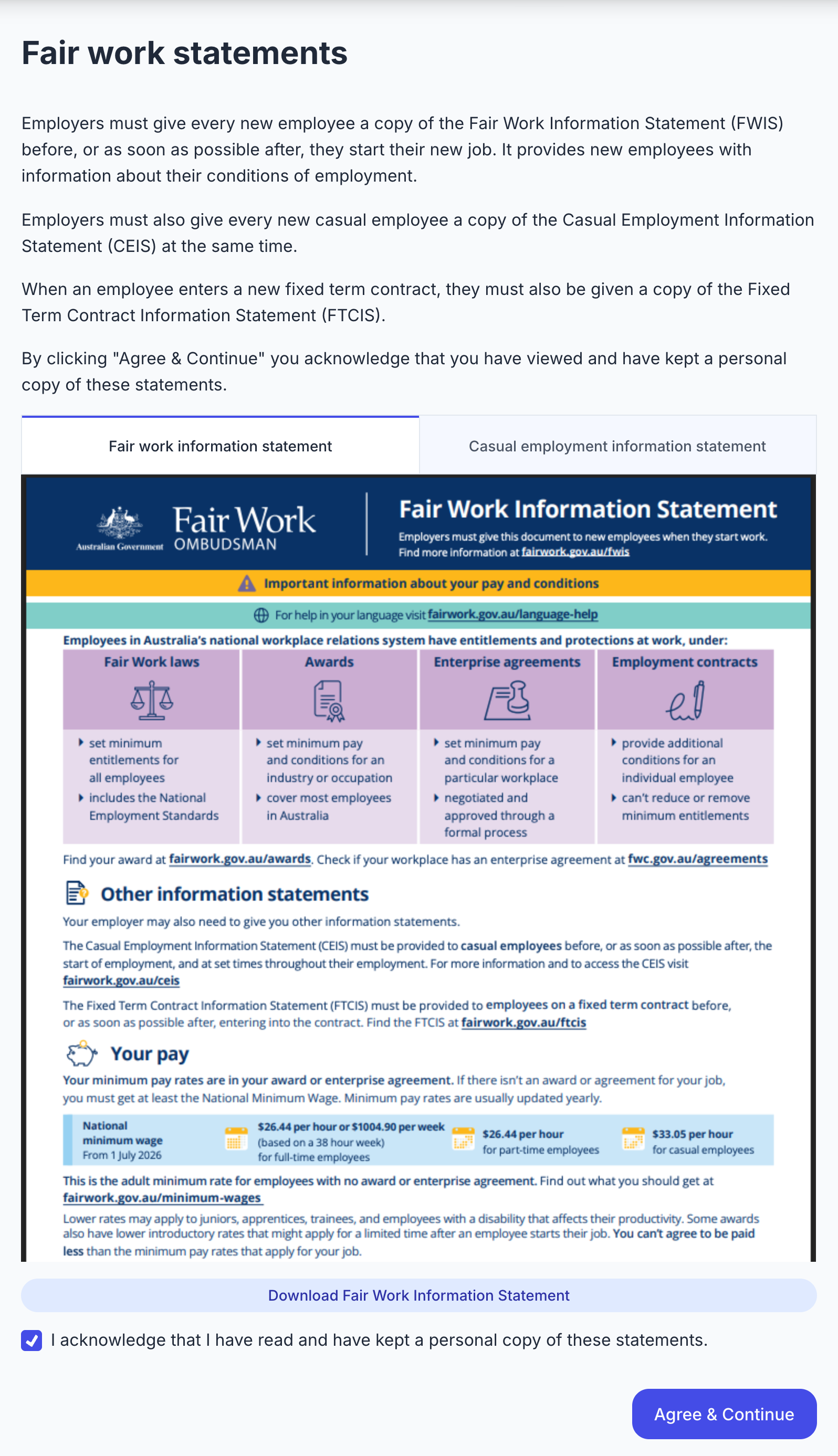
How it works
- The employee sees the chosen statements on one page, one tab per statement, and can view or download each one.
- They tick "I acknowledge that I have read and have kept a personal copy of these statements" to continue.
- One acknowledgement covers all the statements shown, and the time is recorded.
Features
- Show any combination of the Fair Work Information Statement (FWIS), Casual Employment Information Statement (CEIS) and Fixed Term Contract Information Statement (FTCIS). The employer picks them per onboarding invite, or you pass them when creating the session. See Show Fair Work statements.
- SuperAPI hosts the statements and updates them when the Fair Work Ombudsman publishes new versions, so you don't have to track changes.
- The onboarding session returns
fair_work_statementswith the statements shown and when they were acknowledged.
Coming soon
- Record which version of each statement the employee acknowledged, so you can show which edition they received after a statement is updated.