

Superannuation choice
Replace the paper super choice form with a guided digital experience. Employees can find their existing fund, join a new one or use the employer default all in a few clicks. Fund partnerships mean existing memberships are detected automatically and new memberships can be created inline, making super selection fast and frictionless.
How it works
- Once the Tax details module lodges the TFN declaration, SuperAPI requests the employee's stapled fund from the ATO and checks partner funds for existing memberships.
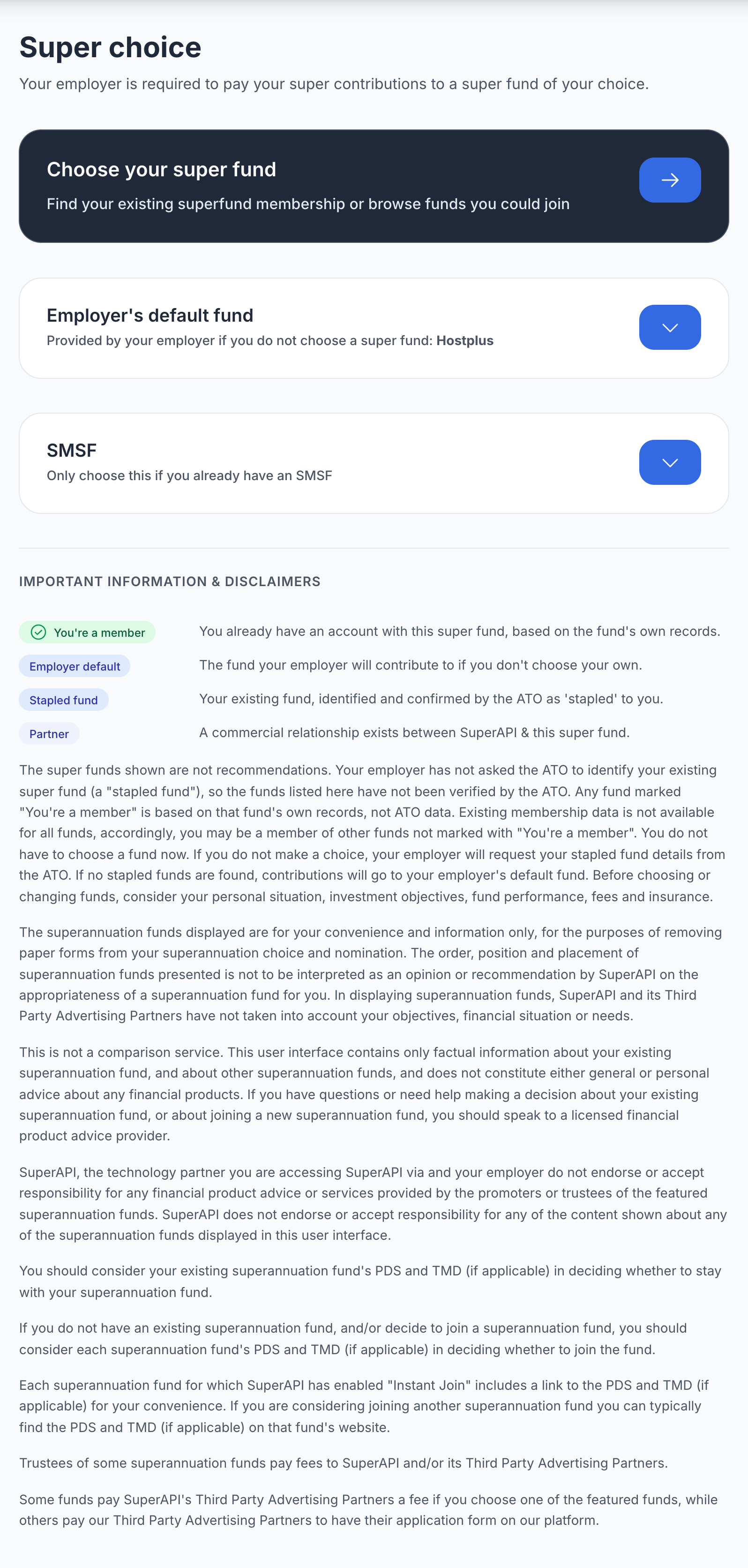
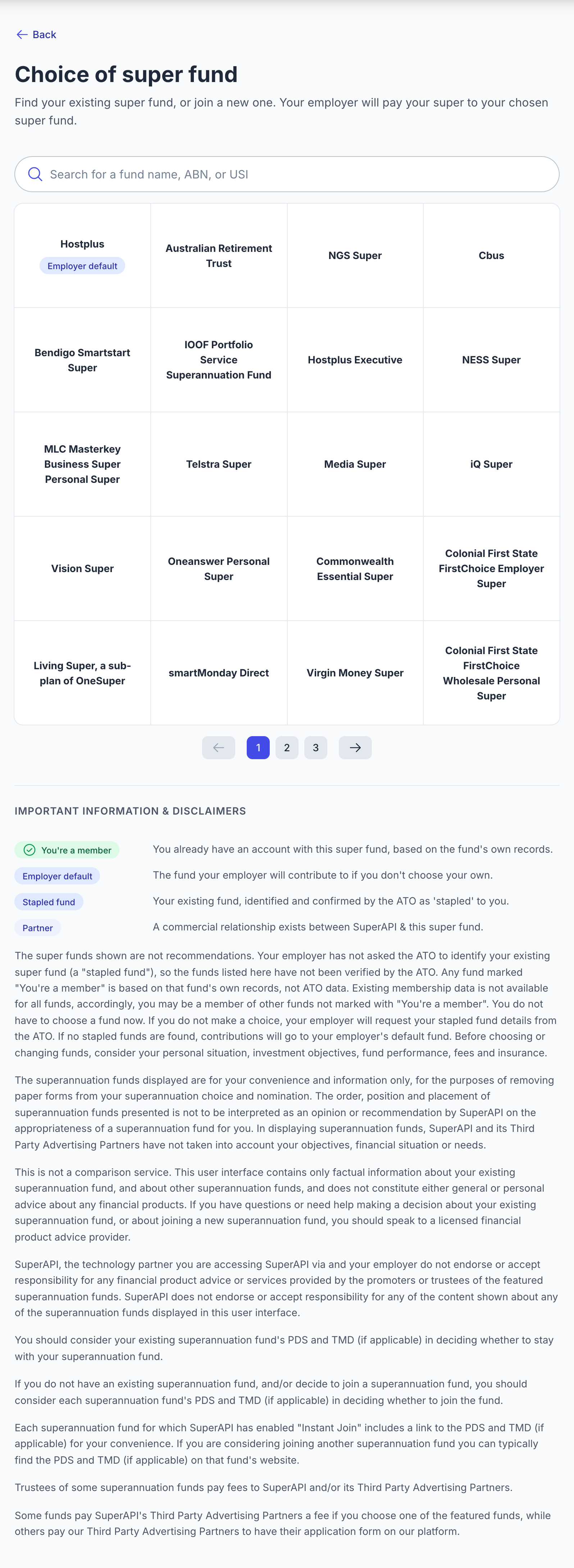
- The employee sees their options: existing memberships found, the employer's default fund, a search across all funds, or an SMSF.
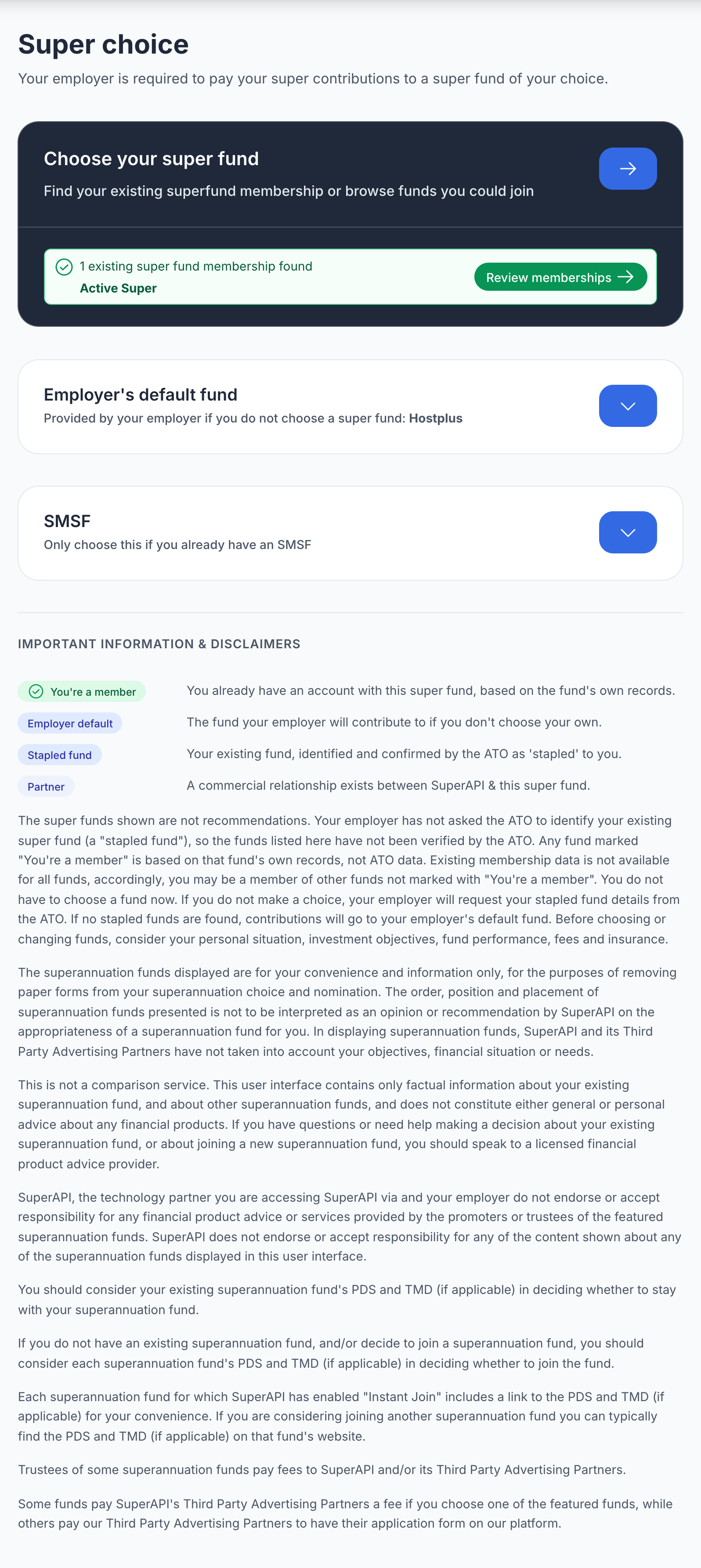
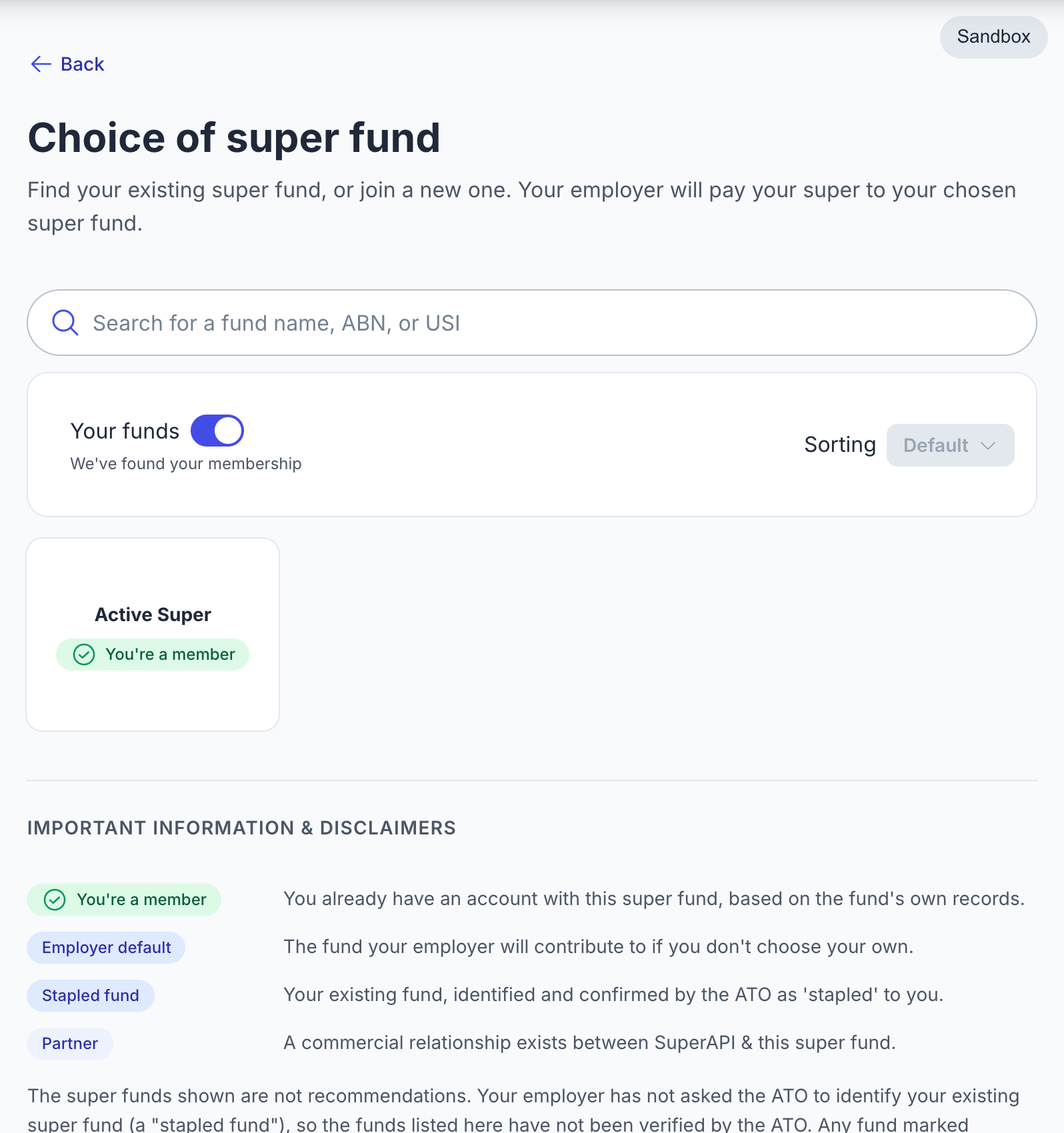
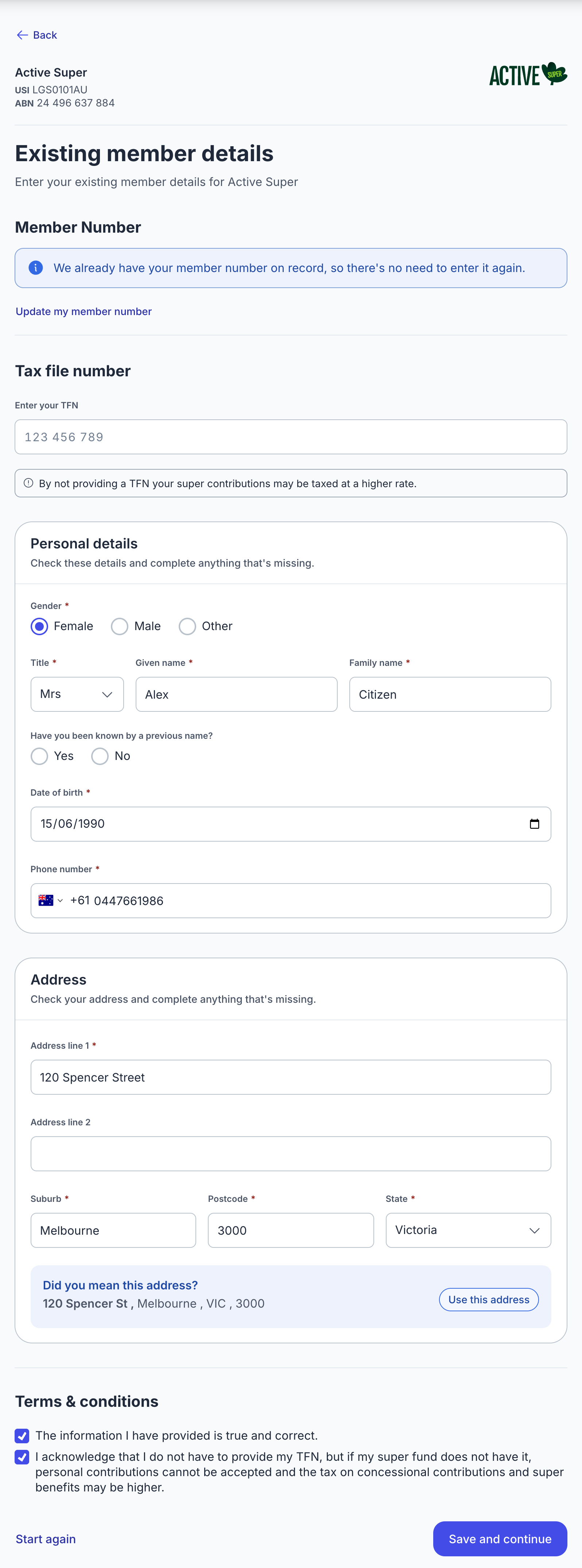
- For an existing fund, they confirm their member details. For a partner fund, they can join inline without leaving the flow.
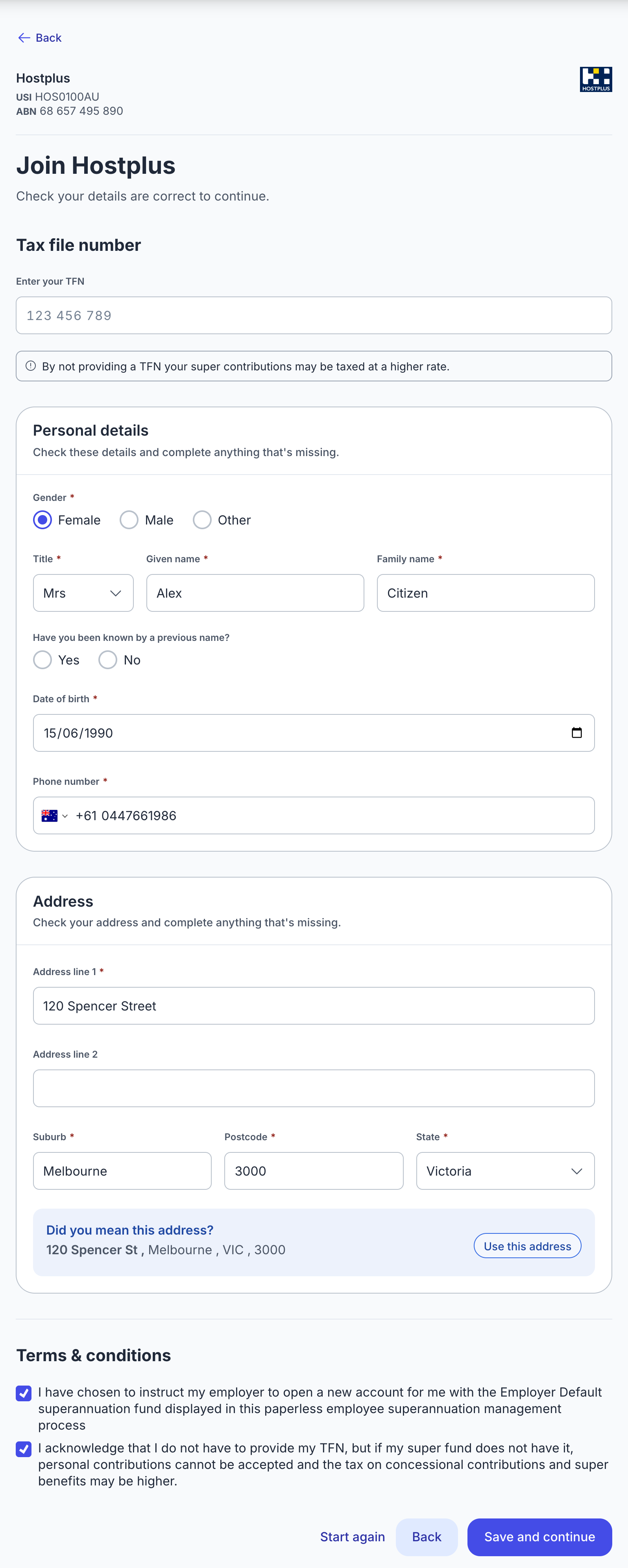
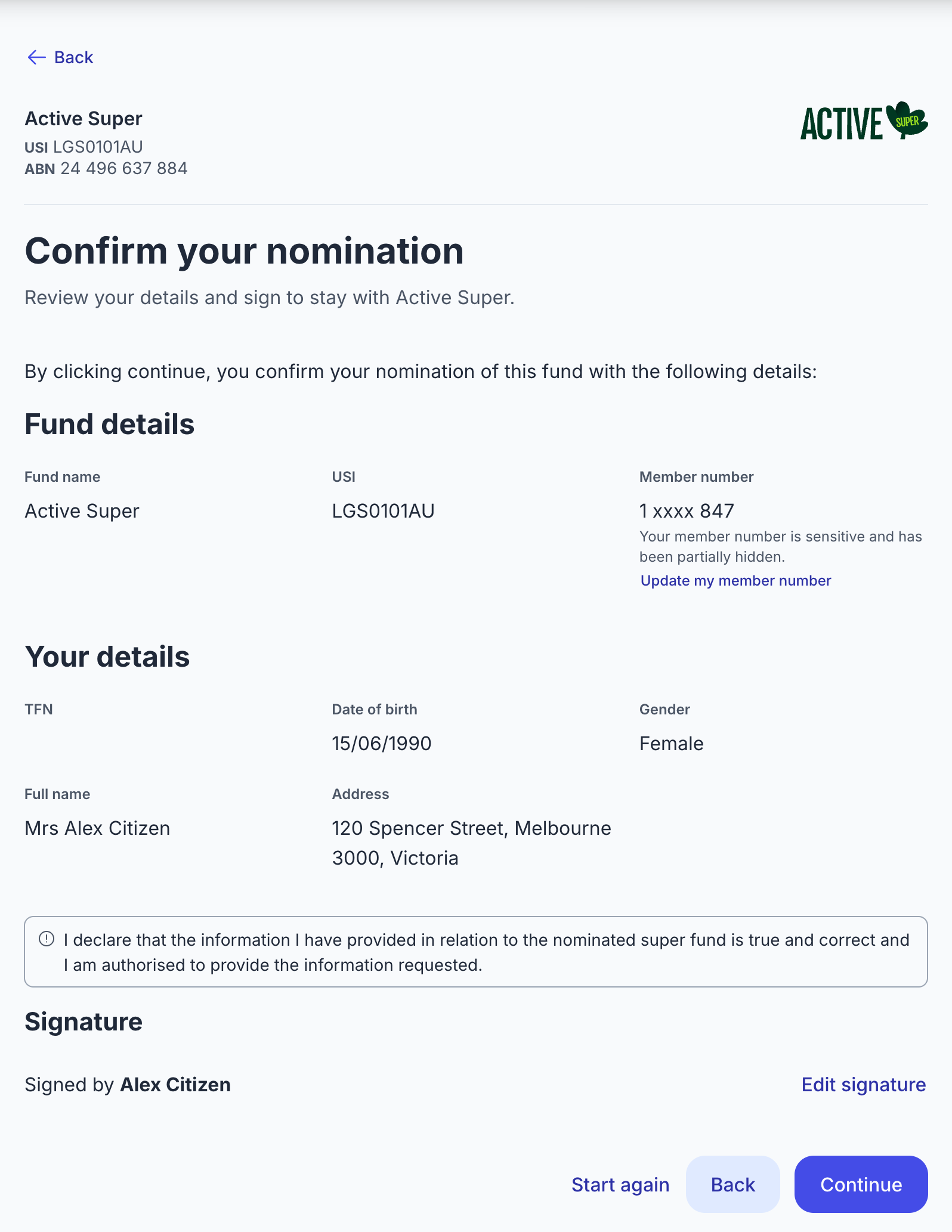
- They review and confirm the nomination.
Features
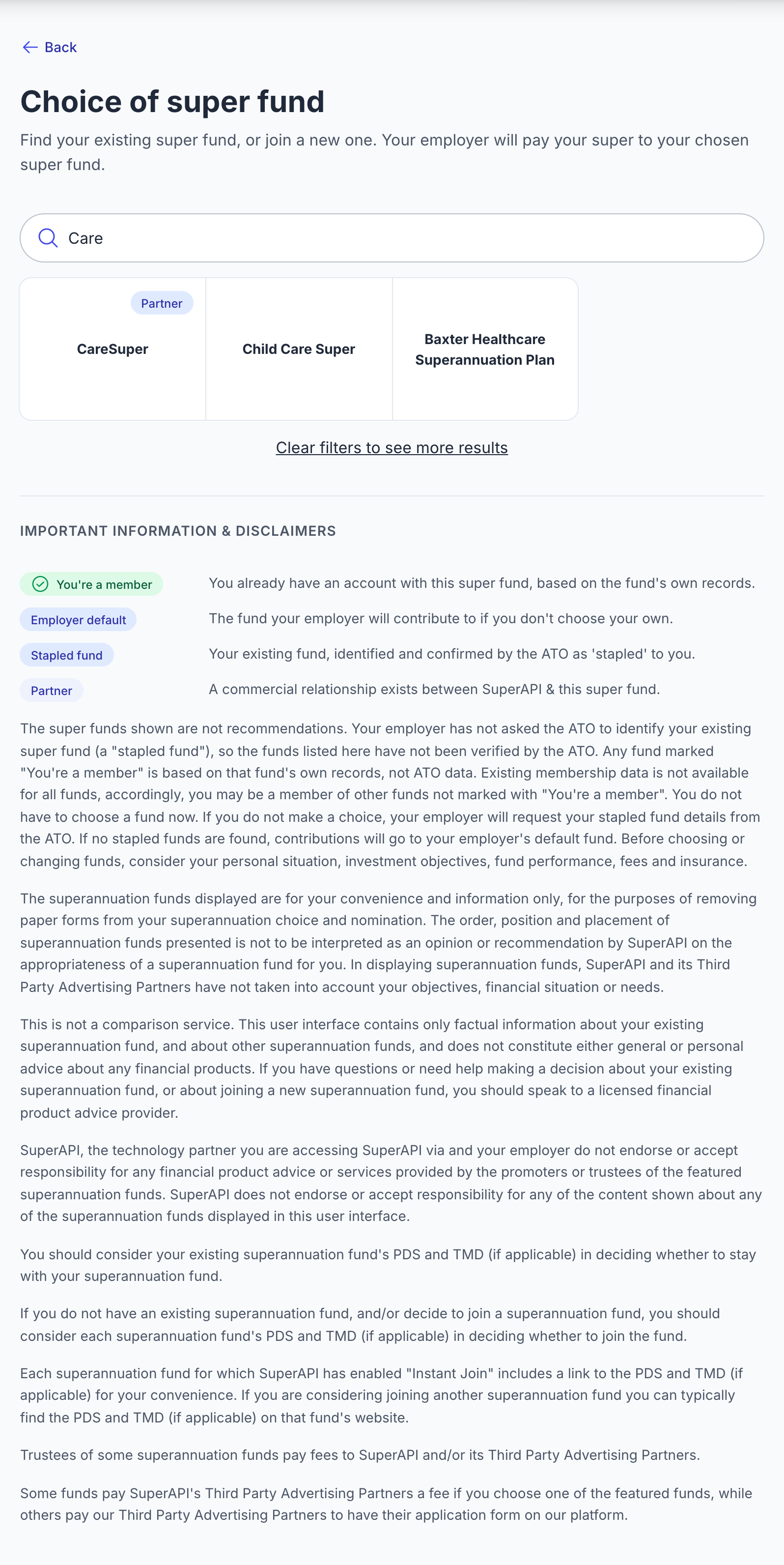
- Almost 1,000 funds for employees to search and select from.
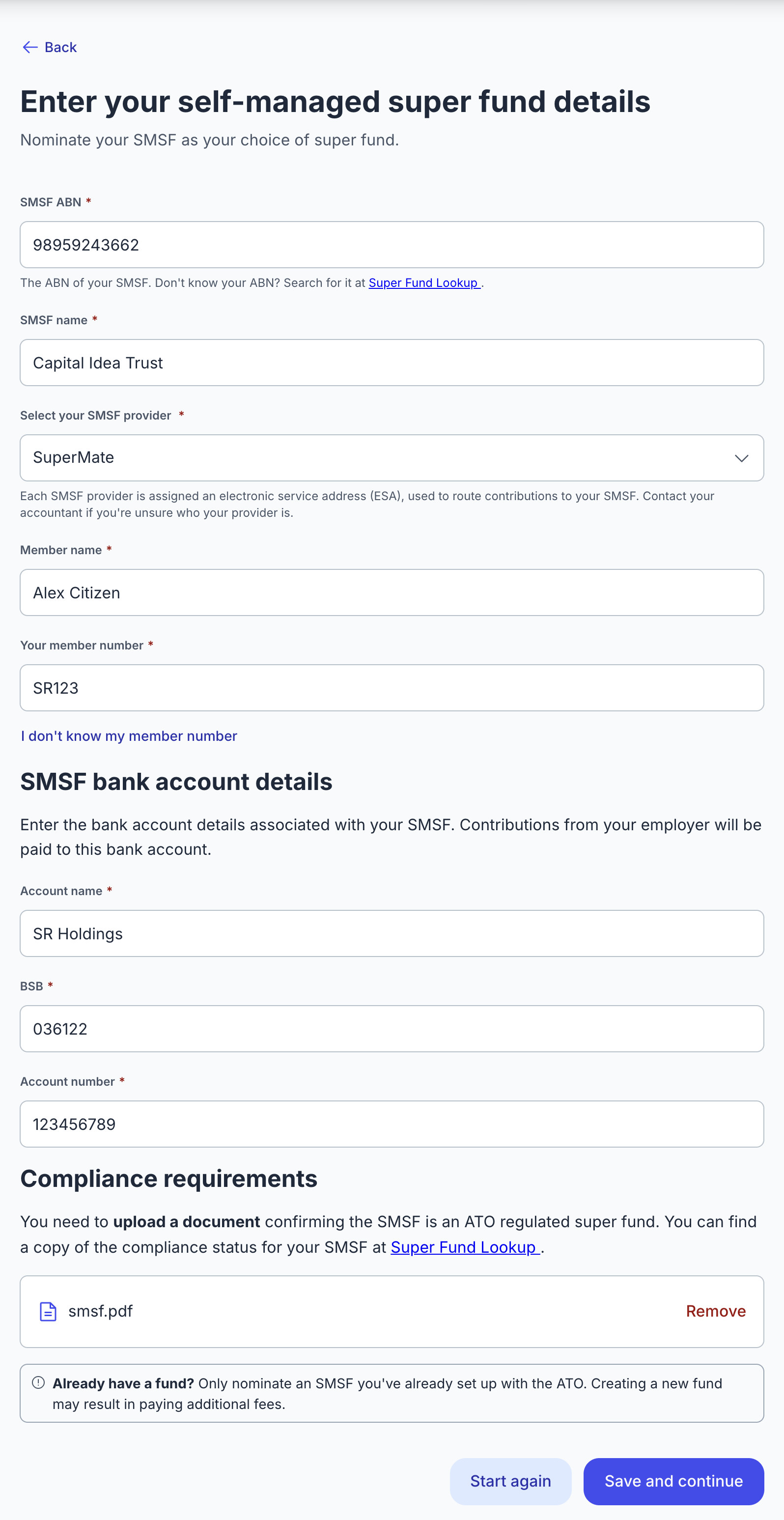
- SMSF nominations are checked against the ATO's Super Fund Lookup, so only complying SMSFs are accepted. The fund's electronic service address and bank BSB are validated too.
- If you've turned it on, the SMSF's bank account is checked with Confirmation of Payee.
- Employees under 18 with no existing memberships can skip super choice. They need to confirm they don't expect to work more than 30 hours a week, and acknowledge the employer's obligations if they do. This is turned on per partner.
- If the employee doesn't finish by the session's
abandons_attime, SuperAPI falls back to their stapled fund, or to the employer's default fund if there isn't one. - Details for joining a fund are pre-filled from earlier modules.
- The onboarding session returns
onboarding_session_super_selectionwith the nominated fund and amember_verificationconfidence. See Understanding member verification. - Data is encrypted at rest and never leaves Australian borders.
Coming soon
No planned features. Missing something? Get in touch and tell us what you need.